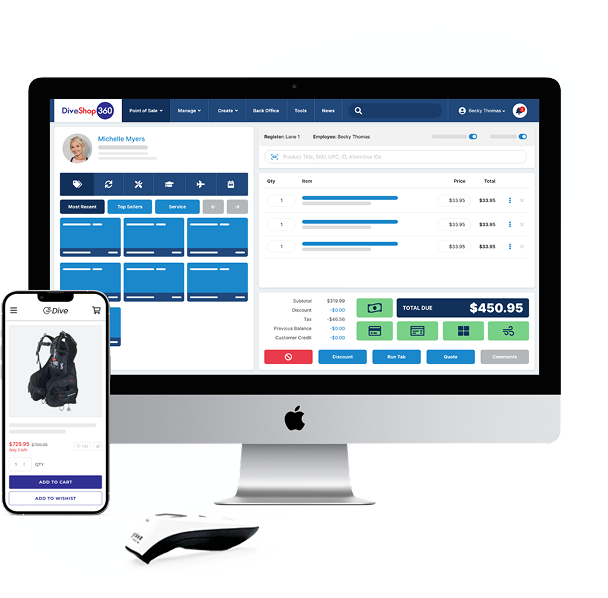
DIVE SHOP GUIDE
12 Must-Have Dive Shop POS Software Features
Get our guide that shows you exactly which POS features you
need to make managing your dive shop easier. Discover features
that will help you:
- Spend less time on paperwork and more time with
your customers - Choose a POS system your staff will love
- Run your store from back to front with one system
Download your guide to the must-have dive shop POS features
What's inside your guide?

Must-have features
We cover the industry-specific features you need for handling certifications, rentals, dive trips, and more.

Picking the right system
Follow our simple 5-step method to figure out which POS is actually right for your specific dive shop needs, not just what vendors want to sell you.

Real benefits for your shop
See how the right POS centralizes data, makes customers happier, and helps run your business from one platform.
Ready to find the best dive shop POS system for your store?
Discover the 12 must-have features you need in our comprehensive guide.